How to request an offer from a local business
Our live offers page shows items on offer from local businesses. If you’ve found something your charity could use, all you need to do is make a request.
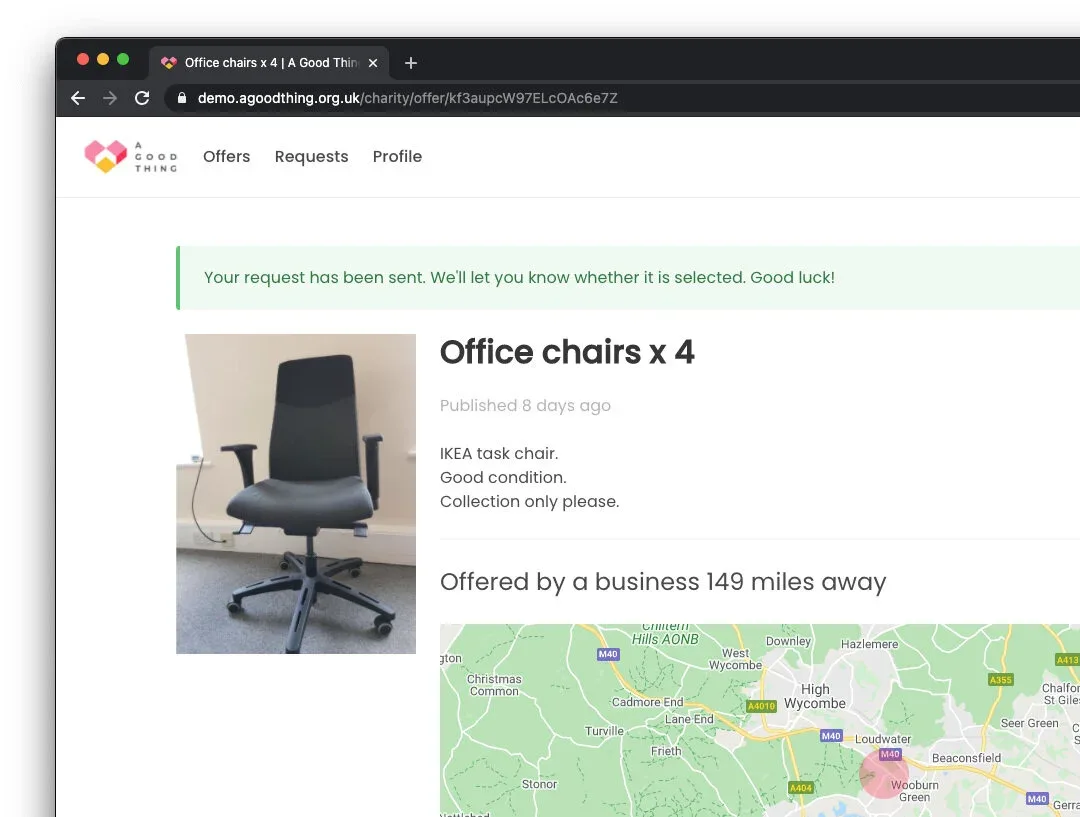
Our live offers page shows items on offer from local businesses. If you’ve found something your charity could use, all you need to do is make a request.
Making a request is a very simple process. This blog takes you through how it works.
Step 1 - Sign up
To get started, you will need to create an account on the A Good Thing platform, which will take 30 seconds. You can use the sign up page here.
Enter your official charity email address if you have one (not your personal email, we’ll explain why below) and create a password.
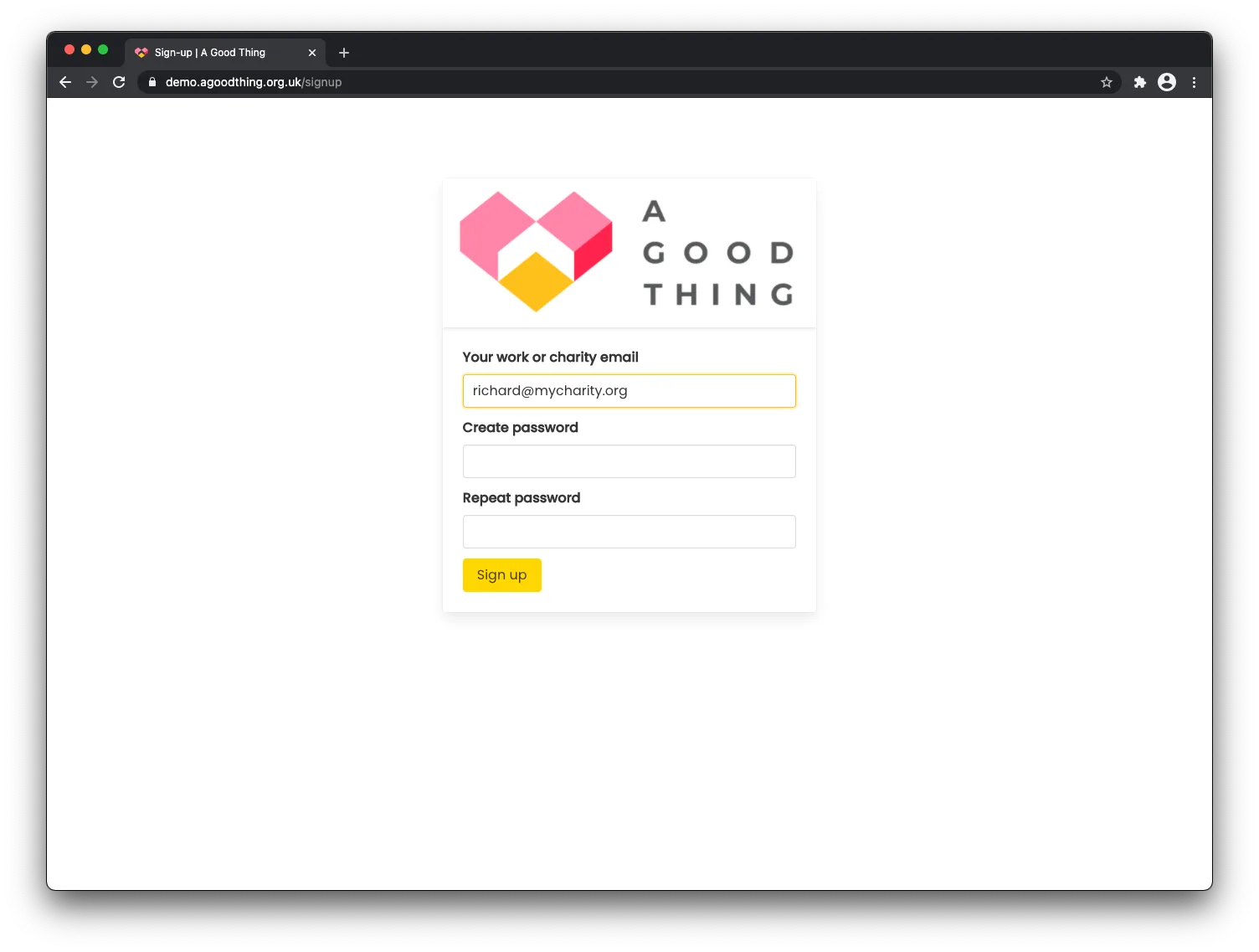
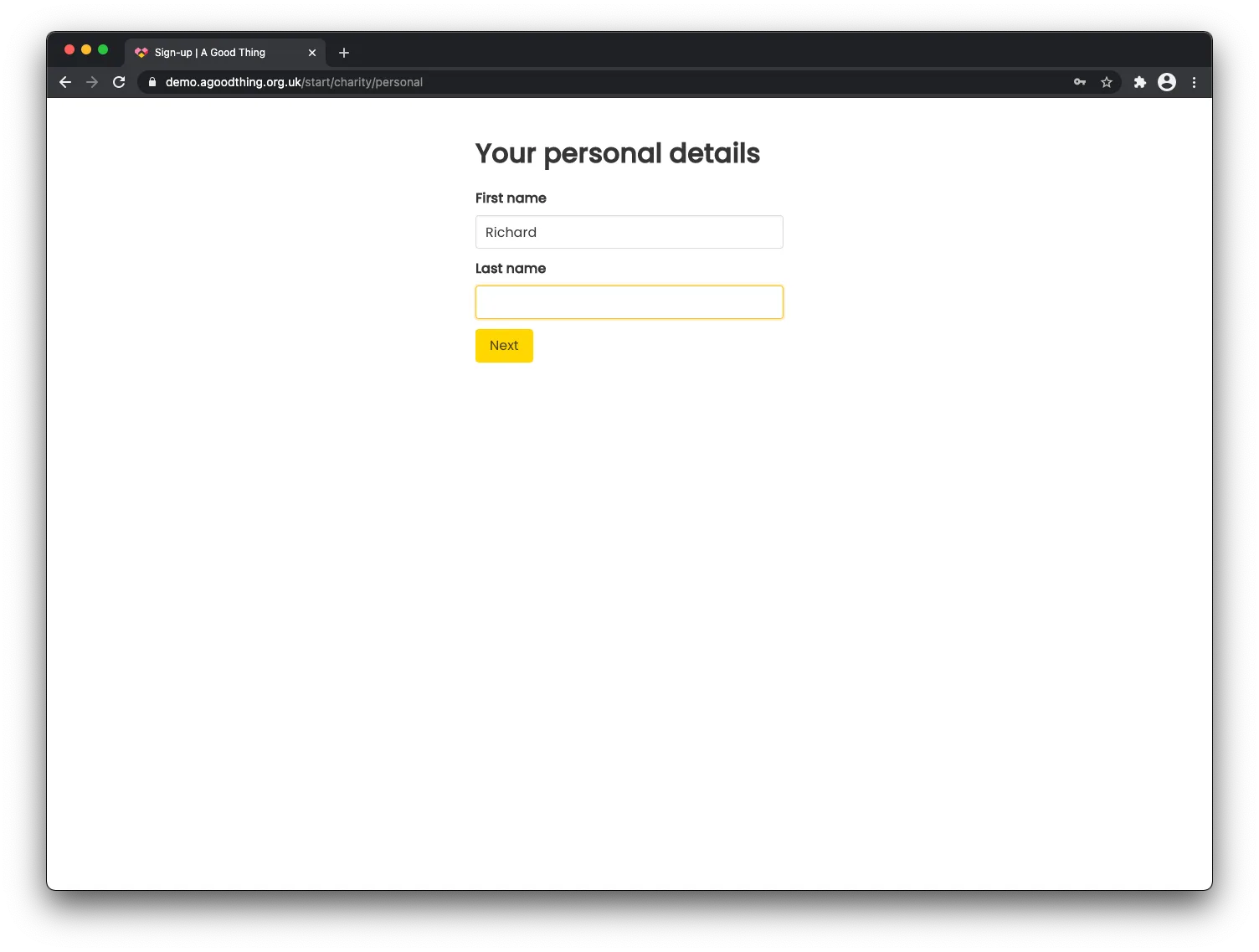
You’ll be asked whether you’re signing up as a business or charity. After selecting ‘charity’, enter your name.
Next you’ll be asked what type of charity you are. If you’re registered with the Scottish Charity Regulator or the Charity Commission for Northern Ireland; if you’re a Community Interest Company, Community Benefit Society or other type of organisation; or if you have HMRC charity tax status, there will be some details to enter and then your account will be created pending verification by us.
If you’re registered with the Charity Commission for England and Wales, you’ll need to find your charity on the database. Simply start typing your charity name and your charity should be listed. If that doesn’t work, try entering your charity number.
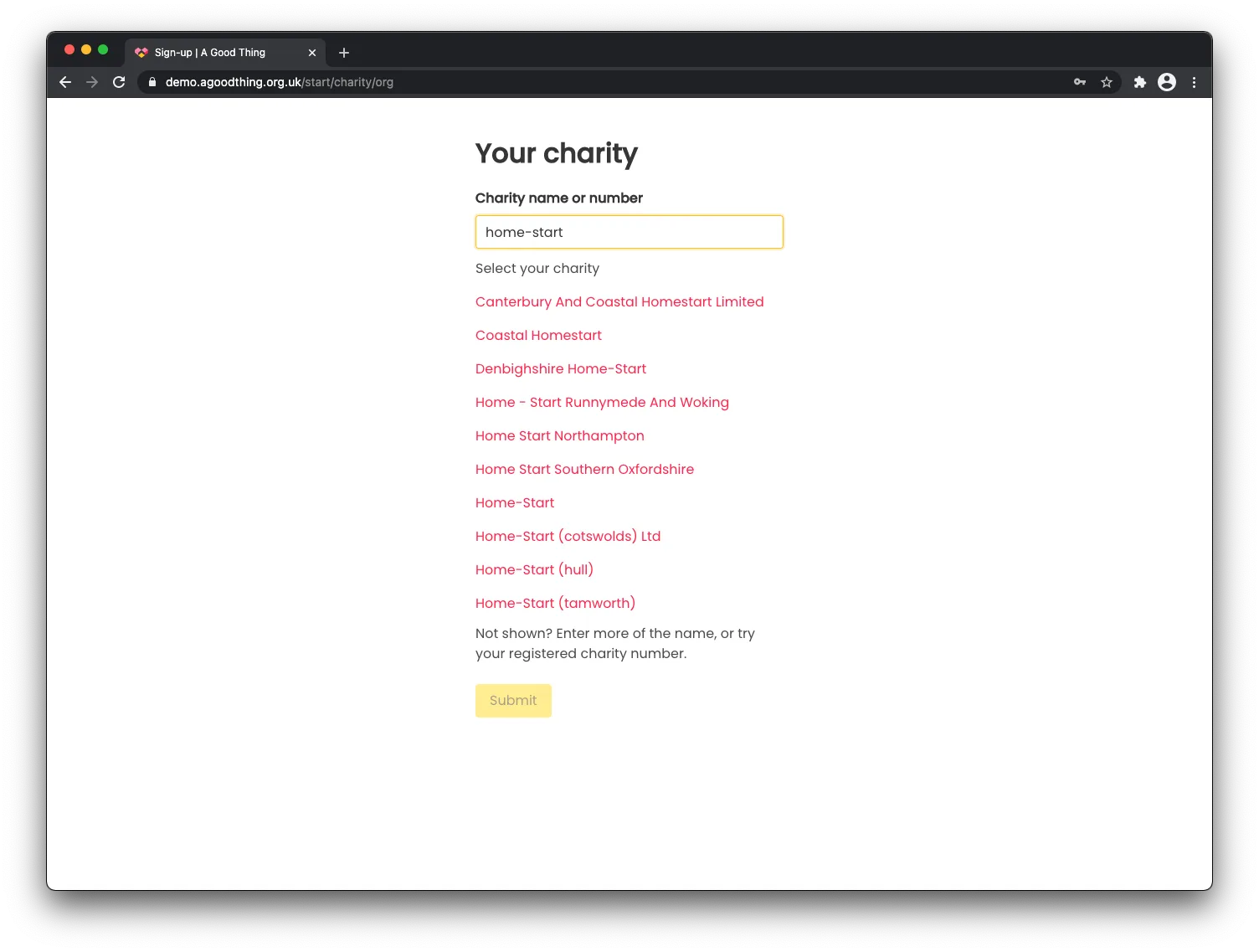
Select the correct charity from the list, confirm the details and hit ‘Submit’.
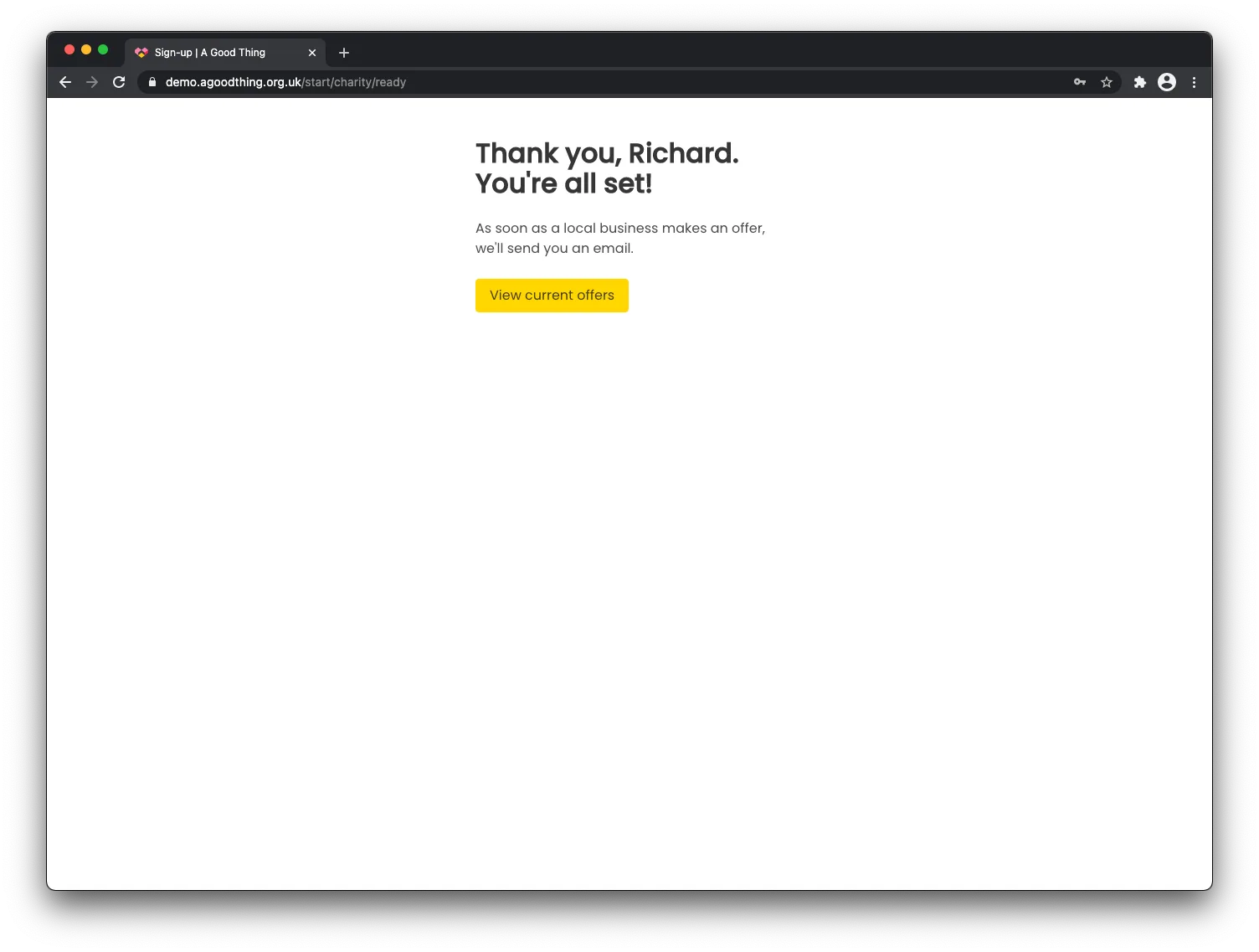
That’s all there is to it. If you’re registered with the Charity Commission for England and Wales, we’ll send an email to verify your email address, and then you’re ready to request offers.
To ensure the safety of all the users in the platform, we will need to verify your ownership of the charity. If you signed up with an email address that matches the Charity Commission record, this verification is automatic. If you used another email address, such as a personal Hotmail or Gmail address, we will need to run some additional checks.
If you’re signing up on behalf of another type of charity, not registered with the Charity Commission, you’ll need to await an email from our team to verify your account. This does not typically take long at all.
Step 2 - Make a request
Once you’re signed up and your account is active, you can browse the offers currently available and we’ll also email you about new offers as soon as they are made.
Once you’ve found an offer that you could use, click the golden ‘Request’ button.
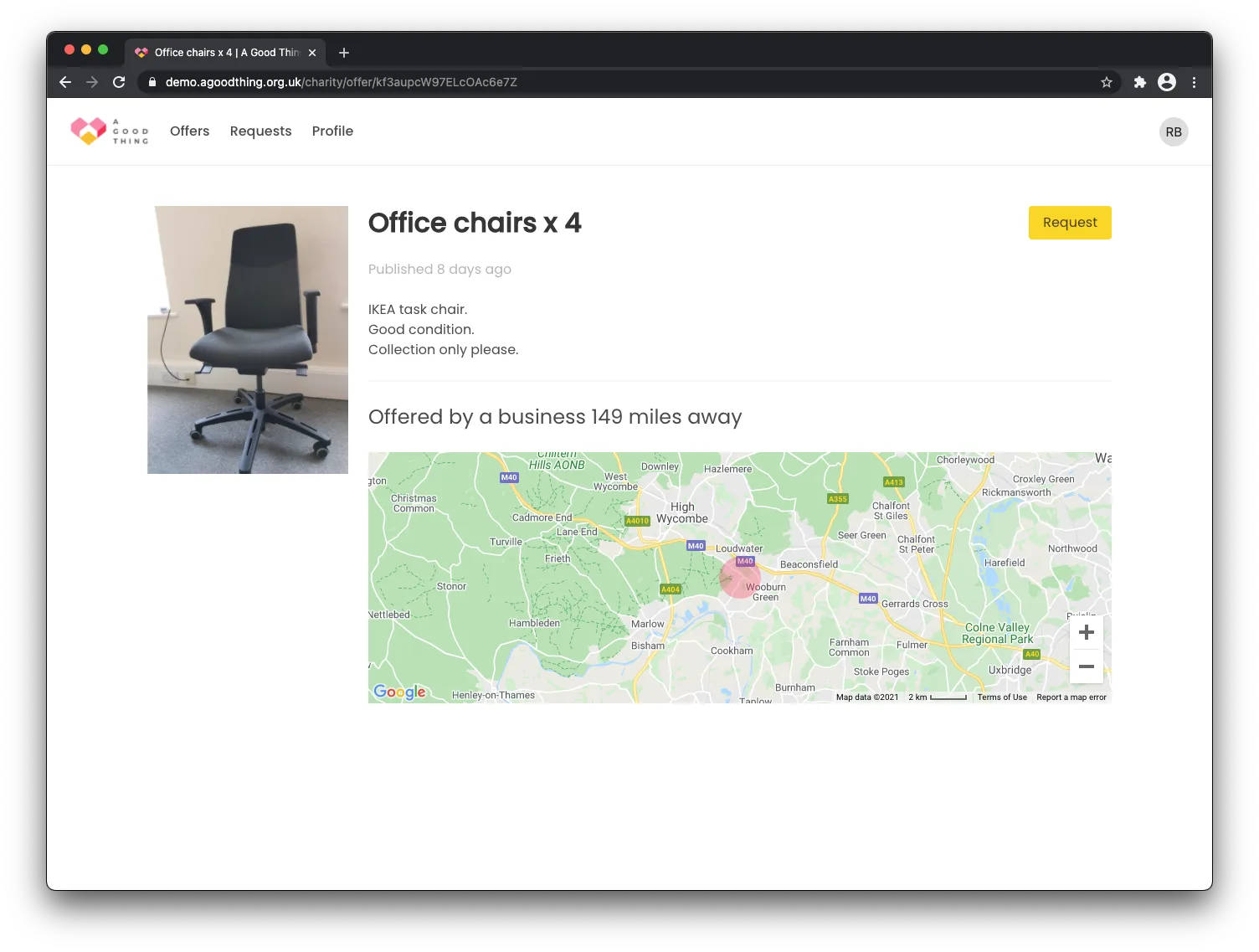
At this point it really helps to add a note to your request. The business may receive multiple requests for the items so it helps to provide a short description of how you would use the items. You don’t need to give any general details about your charity - we automatically include your Charity Commission profile with the request.
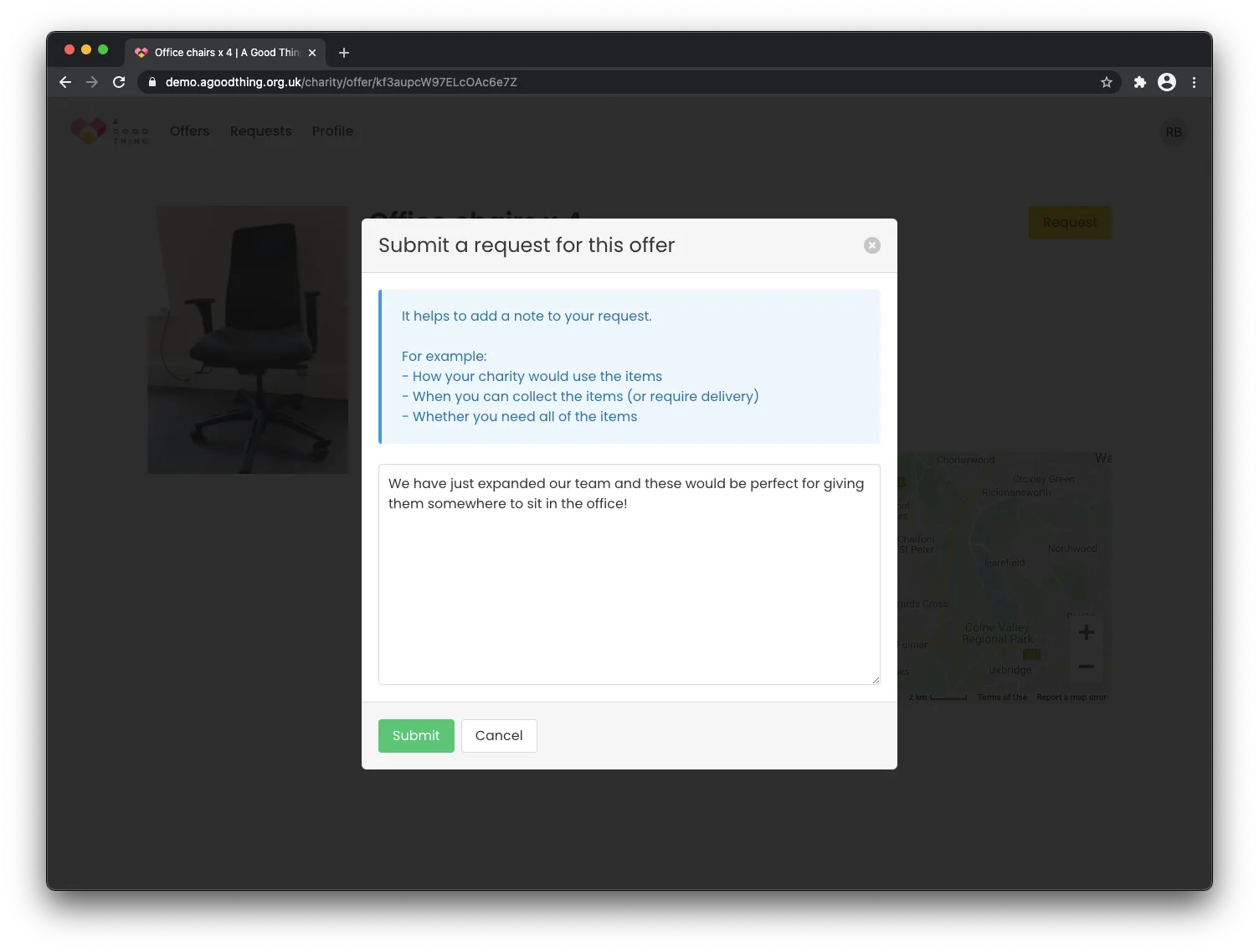
Hit the ‘Submit’ button and you’re done! The business will be notified about your request and all you have to do is just have wait for their response.
Step 3 - We’ve helped make the match. Now it’s over to you!
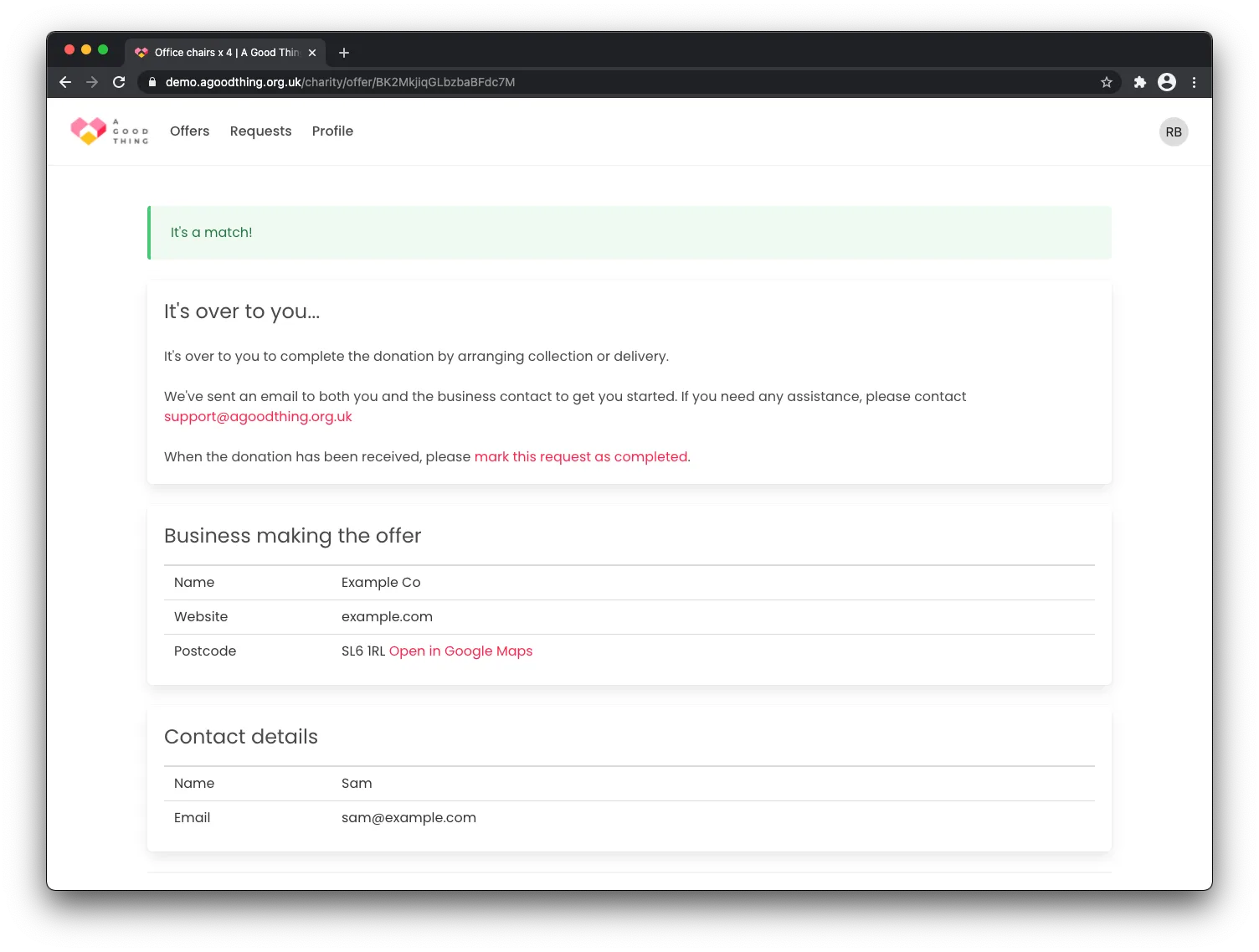
If you’re successful with the request, you’ll be shown the business details and asked to confirm that you’re still interested. This gives you a chance to change your mind, perhaps due to restrictions on who you can receive donations from, or simple a change in circumstances since you made the request.
If you’re happy to proceed, then it’s a match! We send a friendly introductory message that puts you in direct contact with the business. All you need to do is arrange collection (or delivery, if the business is offering to do this).
If your request is not successful, don’t worry. The items will go to a good home elsewhere, and we’ll be working hard to make sure many more offers come through from other businesses.
We hope that this guide shows how easy it is to find donations from local businesses.
If you haven’t already, remember to sign up so that you receive emails when new offers are made!
Step 4 - Let us know what your charity actually needs
As well as waiting for those notification emails to arrive from local businesses, make sure you visit the ‘Needs’ tab in your account, in order to let nearby firms know what your organisation is actually looking for. You can take a look at what other charities are requesting here.